






Office Chair Features Explained

Every chair in our shop shows a row of “How it works” cards. This page explains each one: what it does, how to use it and why it matters, so you can tell at a glance whether a chair will suit you.

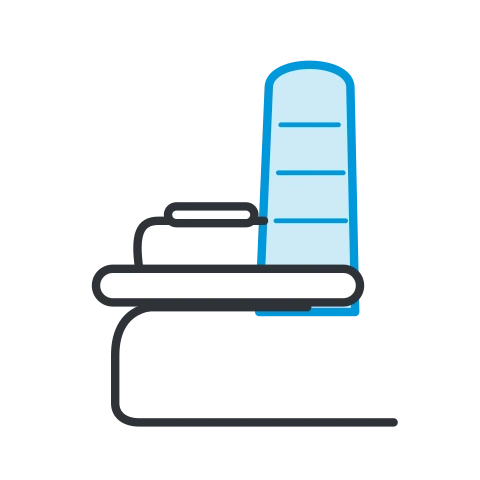
What to look for in an office chair

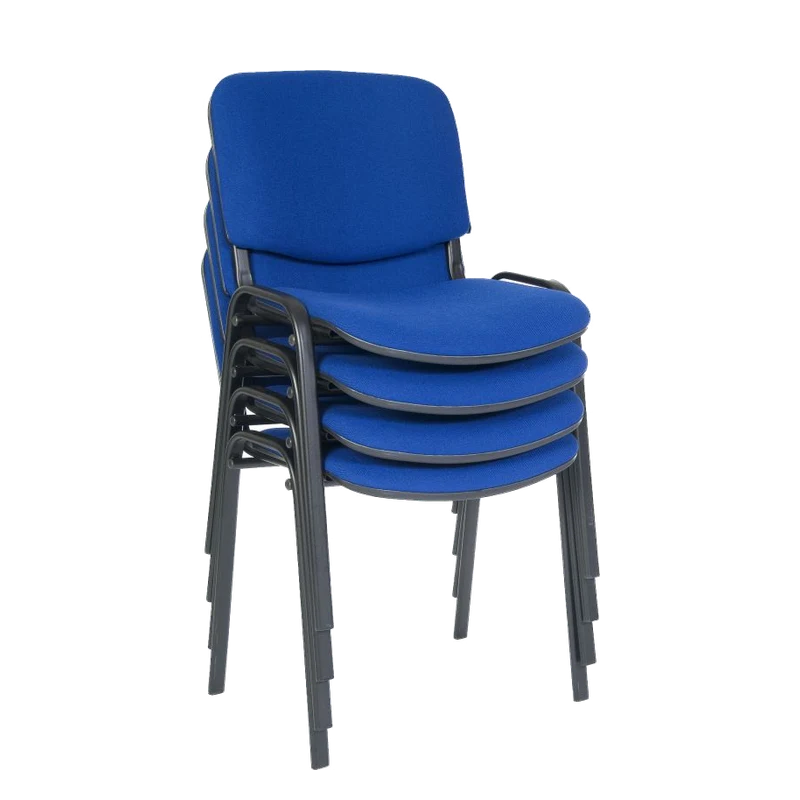
Start with how long the chair will be sat in and by whom. If your staff work at computers, the UK display screen equipment rules ask for a chair that is stable, with a height adjustable seat and a back that adjusts in height and tilt.

Seat

Getting the seat right comes first. Height and depth decide whether everything else fits you.

Seat Height

Seat Height office chair feature icon

Lift the lever under the seat. Take your weight off to go up, sit down to go down. Let go to fix it.

Why it helpsThe one adjustment every desk chair needs. Set it so your feet rest flat on the floor, your thighs are roughly level and your elbows are level with the desk. Too high and the seat edge presses under your thighs; too low and your knees rise and your lower back rounds. It is what lets one chair suit a short person and a tall one.

View chairs with this feature

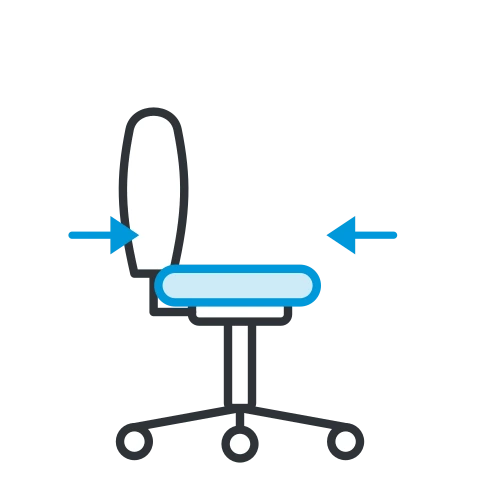
Seat Slide

Seat Slide office chair feature icon

Lift the lever at the front and slide the seat in or out. Leave a 2 to 3 finger gap behind your knees.

Why it helpsLegs come in different lengths. Sliding the seat lets you sit right back against the backrest and still have your thighs supported. Too deep and the front edge digs in behind your knees, so you perch forward away from the back; too shallow and your thighs are left hanging. A must for taller people and for chairs shared by several users.

View chairs with this feature

Forward Seat Tilt

Forward Seat Tilt office chair feature icon

Lift the lever and tip the seat forward, then push the lever down to lock it.

Why it helpsTipping the seat a few degrees forward opens the angle at your hips, which rolls the pelvis forward and makes it easier to sit upright with the natural curve in your lower back. Popular for close, focused desk work, drawing and higher desks.

View chairs with this feature

Independent Seat Tilt

Independent Seat Tilt office chair feature icon

Lift the lever to tilt the seat back, push it down to lock it in position.

Why it helpsSets the seat angle on its own, whatever angle the backrest is at. You can fine-tune how the seat carries your thighs, which helps people who are comfortable only at one particular seat angle.

View chairs with this feature

Back & Lumbar

The lower back has a natural inward curve. Long spells of sitting flatten it, which is where most back ache starts. These keep it supported.

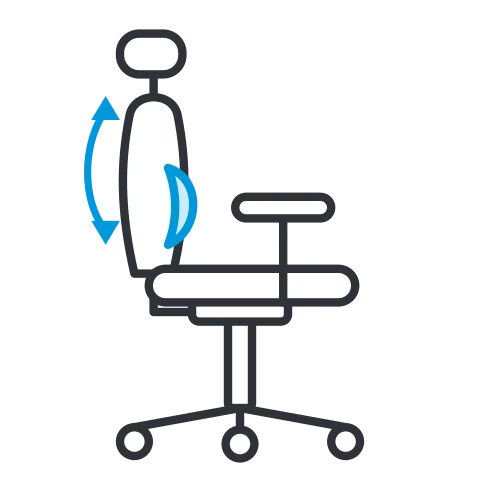
Back Height

Back Height office chair feature icon

Lift the backrest. It clicks up a notch at a time. Go past the top and it drops back to the bottom.

Why it helpsMoves the curve of the backrest to where your lower back actually is. Taller people need it higher, shorter people lower, so the support lands in the small of your back and not in the middle of it.

View chairs with this feature

Adjustable Lumbar

Adjustable Lumbar office chair feature icon

Slide the lumbar pad up or down until it sits snugly in the curve of your lower back.

Why it helpsPuts support exactly where your lower back curves in. It helps you keep that curve instead of slumping, which takes strain off the muscles and discs of the lower back over a long day.

View chairs with this feature

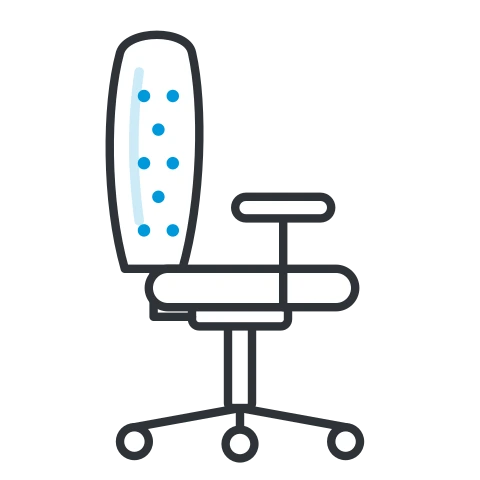
Inflatable Lumbar

Inflatable Lumbar office chair feature icon

Squeeze the pump to inflate the cushion in the backrest for firmer support. Press the release valve to let air out.

Why it helpsLets you set how firm the support is, not just where it is. Easy to change through the day as you tire, and two people sharing the chair can each have it their way.

View chairs with this feature

Twist Lumbar

Twist Lumbar office chair feature icon

Turn the knob on the side of the backrest to push the lumbar cushion out for firmer support. Turn it back to soften it.

Why it helpsDial the support in or out in small steps while you sit, with no pump to find. Good for anyone who likes to fine-tune their chair without getting up.

View chairs with this feature

Integrated Lumbar

Integrated Lumbar office chair feature icon

Nothing to adjust. The backrest is shaped to support your lower back.

Why it helpsThe support is built into the shape of the back, so it is always there. Ideal for simple or shared chairs where people will not adjust anything. If you already have back trouble, choose a chair with adjustable lumbar instead.

View chairs with this feature

Tilt & Recline

Sitting still is what tires you. A chair that lets you lean back and move keeps your muscles working and your blood flowing.

Synchronised Mechanism

Synchronised Mechanism office chair feature icon

Just lean back. The back and seat tilt together in a 2:1 ratio.

Why it helpsAs you lean back the seat tilts too, at about half the angle of the back. Your feet stay on the floor, your hips open up, your shirt does not pull and the backrest stays against you the whole way. The mechanism most recommended for all-day desk work.

View chairs with this feature

Knee Tilt

Knee Tilt office chair feature icon

Lean back and the chair pivots near your knees, so your feet stay on the floor and the seat front does not lift.

Why it helpsBecause the pivot sits near the front of the seat, leaning back does not lift your legs or press under your thighs. A comfortable, relaxed recline, common on executive chairs and good for shorter people.

View chairs with this feature

Lock Upright & Tilt

Lock Upright and Tilt office chair feature icon

Lever in: the chair locks upright. Lever out: it rocks freely as you lean back.

Why it helpsA simple rocking chair with an upright lock. Rock to move and relax, lock it for focused typing. Good value for shorter spells of sitting.

View chairs with this feature

Tilt Multiple Positions

Tilt Multiple Positions office chair feature icon

Pull up the lever to unlock, lean back to the angle you like, then push it down to lock it there.

Why it helpsChoose an angle and stay there: upright for typing, further back for reading or calls, without having to hold yourself in place.

View chairs with this feature

Independent Back Tilt

Independent Back Tilt office chair feature icon

Lift the lever and push the backrest to the angle you want, the seat stays put. Push down to lock the back.

Why it helpsSets the backrest at the exact angle that supports your back, without moving the seat. The classic adjustment on operator chairs, where the back stays in contact with you as you work.

View chairs with this feature

Manual Tension Control

Manual Tension Control office chair feature icon

Turn the knob under the seat. Turn to + for a firmer rock, − for a softer, easier lean.

Why it helpsSets how hard the back pushes against you. A lighter person needs less, a heavier person more. Set right, the chair follows you back and brings you upright without effort; set wrong, it either tips you back or pushes you forward.

View chairs with this feature

Automatic Tension Control

Automatic Tension Control office chair feature icon

Nothing to adjust. It senses your weight and sets the right resistance as you lean back, all by itself.

Why it helpsEvery person who sits down gets the right tension straight away. Ideal for hot desks, shared and meeting room chairs, where nobody will hunt for a knob.

View chairs with this feature

Arms

Arms take the weight of your arms off your shoulders and neck. The more ways they move, the more people they fit.

Fixed Arms

Fixed Arms office chair feature icon

Nothing to adjust. Strong, solid arms.

Why it helpsArmrests to rest your arms on while you work, taking the weight off your shoulders, with no parts to wear. Check the arm height against your desk: arms that are too high stop the chair sliding under it.

View chairs with this feature

Height Adjustable Arms

Height Adjustable Arms office chair feature icon

Press the button under the armrest and move it up or down.

Why it helpsSet the arms level with your desk so your shoulders can relax while you type, and drop them when you need to tuck the chair under the desk.

View chairs with this feature

2D Arms

2D Arms office chair feature icon

Two ways: press the button to move the arm up or down, and slide the pad forward or back.

Why it helpsHeight plus pads that slide forward and back, so your forearms stay supported while you type and you can still pull right up to the desk.

View chairs with this feature

3D Arms

3D Arms office chair feature icon

Three ways: up and down, forward and back, and swivel the pad to follow your arms.

Why it helpsThe pad turns to follow the angle of your forearm as you type or use a mouse, so your elbows and wrists stay supported in more positions.

View chairs with this feature

4D Arms

4D Arms office chair feature icon

Four ways: up and down, forward and back, in and out, and swivel the pad to follow your arms.

Why it helpsAdds in and out, so the arms can come in for a slim build or go out for broader shoulders. The most adjustable arms, best for shared chairs and long hours at a keyboard.

View chairs with this feature

Folding Arms

Folding Arms office chair feature icon

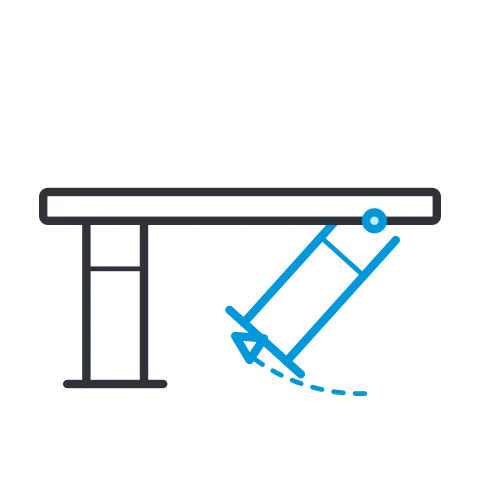
Lift the arm up and back out of the way, slide right up to the desk or tuck the chair under.

Why it helpsArms when you want them and out of the way when you do not: get close to the desk, sit sideways or tuck the chairs neatly away. Handy in meeting and training rooms.

View chairs with this feature

Headrest

A headrest earns its keep when you lean back: on calls, reading, or taking a moment to think.

2D Adjustable Headrest

2D Adjustable Headrest office chair feature icon

Slide it up or down to meet the back of your head, then tilt it to suit.

Why it helpsGives your head somewhere to rest when you recline, taking the load off your neck. Height and angle both move, so it meets the head of shorter and taller people.

View chairs with this feature

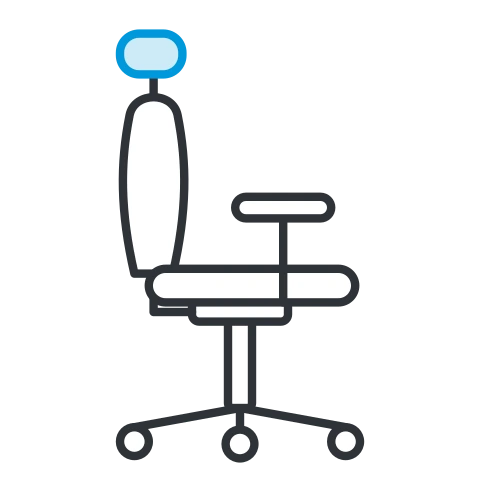
Height Adjustable Headrest

Height Adjustable Headrest office chair feature icon

Slide the headrest up or down until it sits behind the back of your head.

Why it helpsMoves to the right height for you, so your head is supported when you lean back instead of the headrest pushing into your neck or shoulders.

View chairs with this feature

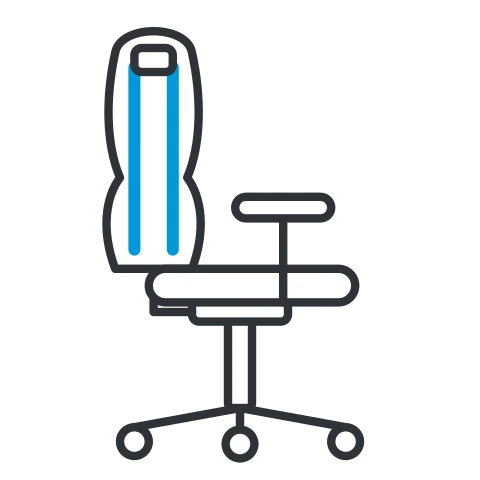
Integrated Headrest

Integrated Headrest office chair feature icon

Nothing to adjust. The headrest is part of the tall backrest, so it supports your head, depending on how tall you are.

Why it helpsA tall back that carries on up behind your head, with a clean look and nothing to adjust. Best for people of around average height or taller.

View chairs with this feature

Daily Use & Weight

Every chair is built and tested for how long it is sat in and how heavy its user can be. Matching both keeps it safe and makes it last.

8 Hour Use

8 Hour Use office chair feature icon

Made for a full working day: comfortable for up to 8 hours of sitting, every day.

Why it helpsTested for one normal working day, every day. The right choice for most office desks and home offices.

View chairs with this feature

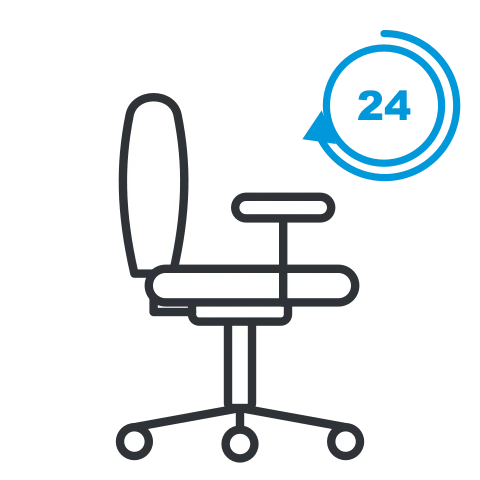
24 Hour Use

24 Hour Use office chair feature icon

Built for round-the-clock use: shift work, control rooms and call centres.

Why it helpsFor chairs that never get a rest: shift work, control rooms, security desks and chairs shared by several people across the day. A stronger frame, mechanism and gas lift, and foam that keeps its shape for longer.

View chairs with this feature

Weight Rating

Weight Rating office chair feature icon

The badge shows the heaviest user the chair is built and tested for: 110 to 140 kg (about 17 to 22 stone) on most office chairs.

Why it helpsChoose a chair rated for the person who will use it. Within its rating it stays safe and stable; pushed past it, the gas lift, base and mechanism wear out early.

View chairs by weight rating

Heavy Duty

Heavy Duty office chair feature icon

Built and tested for people up to 150 kg (about 23½ stone), with an extra-strong frame, base and gas lift.

Why it helpsFor bigger users, or busy chairs that get a hard life. Heavy duty chairs are often rated for 24 hour use and tested to BS 5459 too.

View heavy duty chairs

Heavy Duty Bariatric

Heavy Duty Bariatric office chair feature icon

Built and tested for people from 24 up to 35 stone (152 to 222 kg). The badge shows each chair’s rating.

Why it helpsBariatric chairs are built for the person from the ground up: reinforced frame and base, heavy-duty gas lift and castors, and often a wider, deeper seat. Safer, more comfortable and far longer lasting than a standard chair used past its limit.

View bariatric chairs

Standards, Warranty & Finish

The badges that tell you how a chair was tested, how long it is covered and how it is made.

EN 1335

EN 1335 office chair feature icon

Tested to EN 1335, the European and British standard for office work chairs.

Why it helpsCovers the sizes and adjustment ranges a desk chair needs, plus its strength, stability and durability, for users up to 110 kg and up to 8 hours a day. A sound sign a chair is fit for everyday desk work.

View chairs with this feature

BS 5459

BS 5459 office chair feature icon

Tested to BS 5459, the tougher British standard for heavy-duty office chairs.

Why it helpsTested for users up to 150 kg (about 23½ stone) and use up to 24 hours a day. If a chair will be used round the clock or by heavier people, this is the one to look for.

View chairs with this feature

Warranty

Warranty office chair feature icon

The badge shows the cover: 1, 2, 3 or 5 years on every part. If a part fails through a manufacturing fault, we’ll sort it.

Why it helpsA longer warranty is a good sign the maker trusts the parts that work hardest: the gas lift, the mechanism and the base.

View chairs with a 5 year warranty

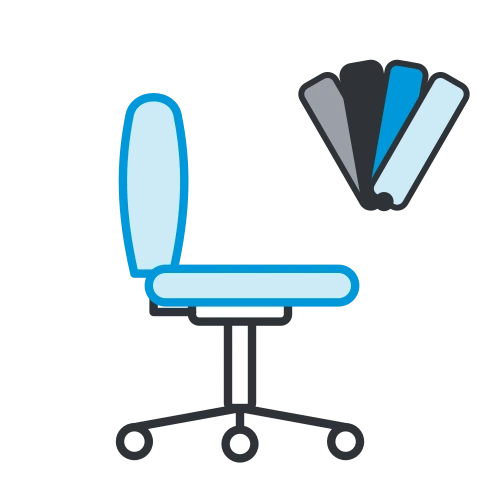
Custom Upholstery

Custom Upholstery office chair feature icon

Choose your own fabric and colour. We can upholster in your brand colours or a fabric to match your space.

Why it helpsMake the chairs fit the room: brand colours, a fabric to match your interior, or a wipe clean or extra hard-wearing finish for busy spaces.

View chairs with this feature

Made in the UK

Made in the UK office chair feature icon

Made here in the UK.

Why it helpsBuilt by British manufacturers, which supports UK jobs and means made to order chairs are not shipped halfway round the world.

View chairs with this feature

Find a chair with the features you want

Pick the features that matter to you and see every chair that has them.

Open the Chair finderBrowse office chairs

Not sure which is right? Email sales@atlantisoffice.com and tell us who the chair is for.